Augma OS
Desktop, phone and watch operating layer run by K.A.R.A
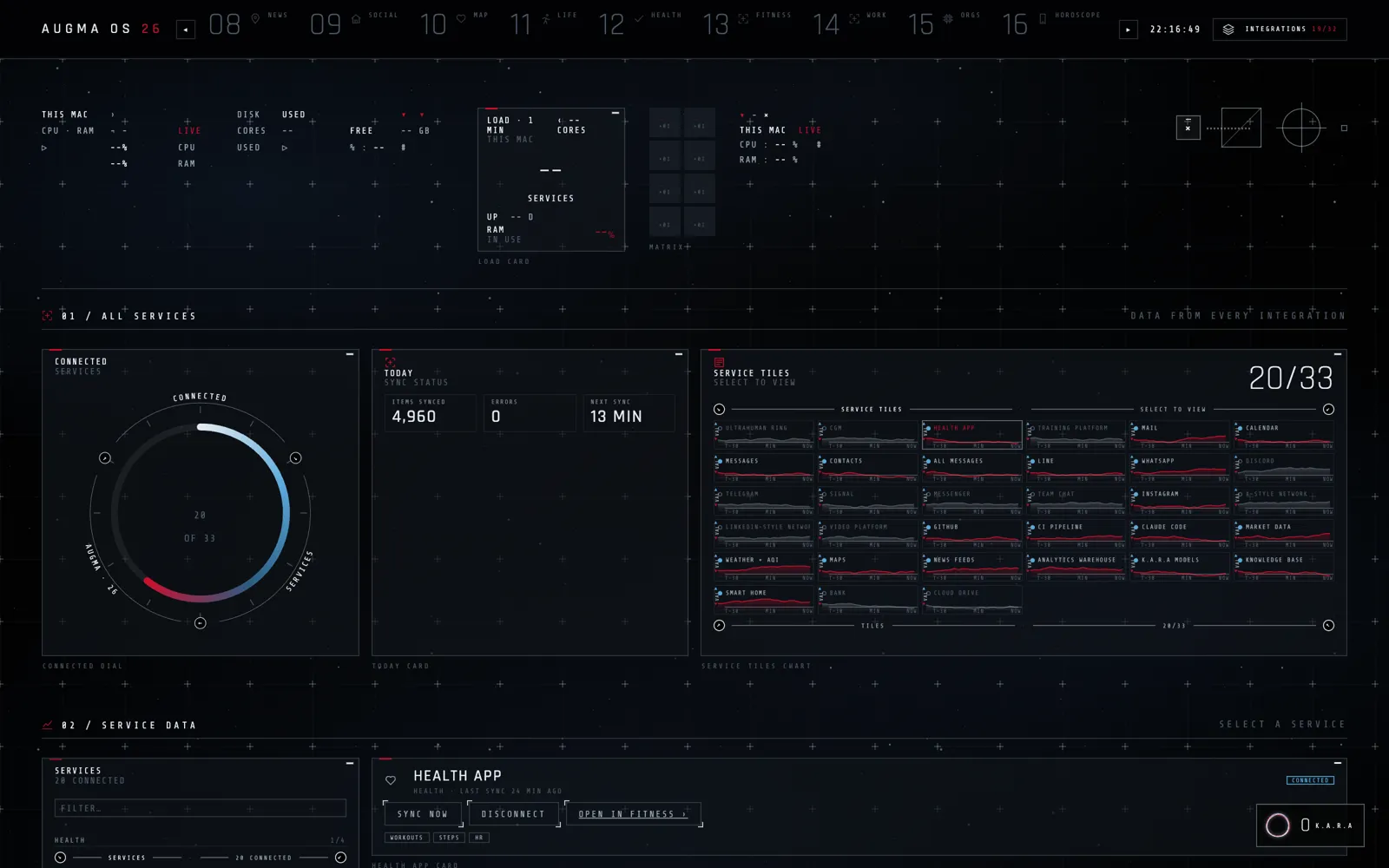
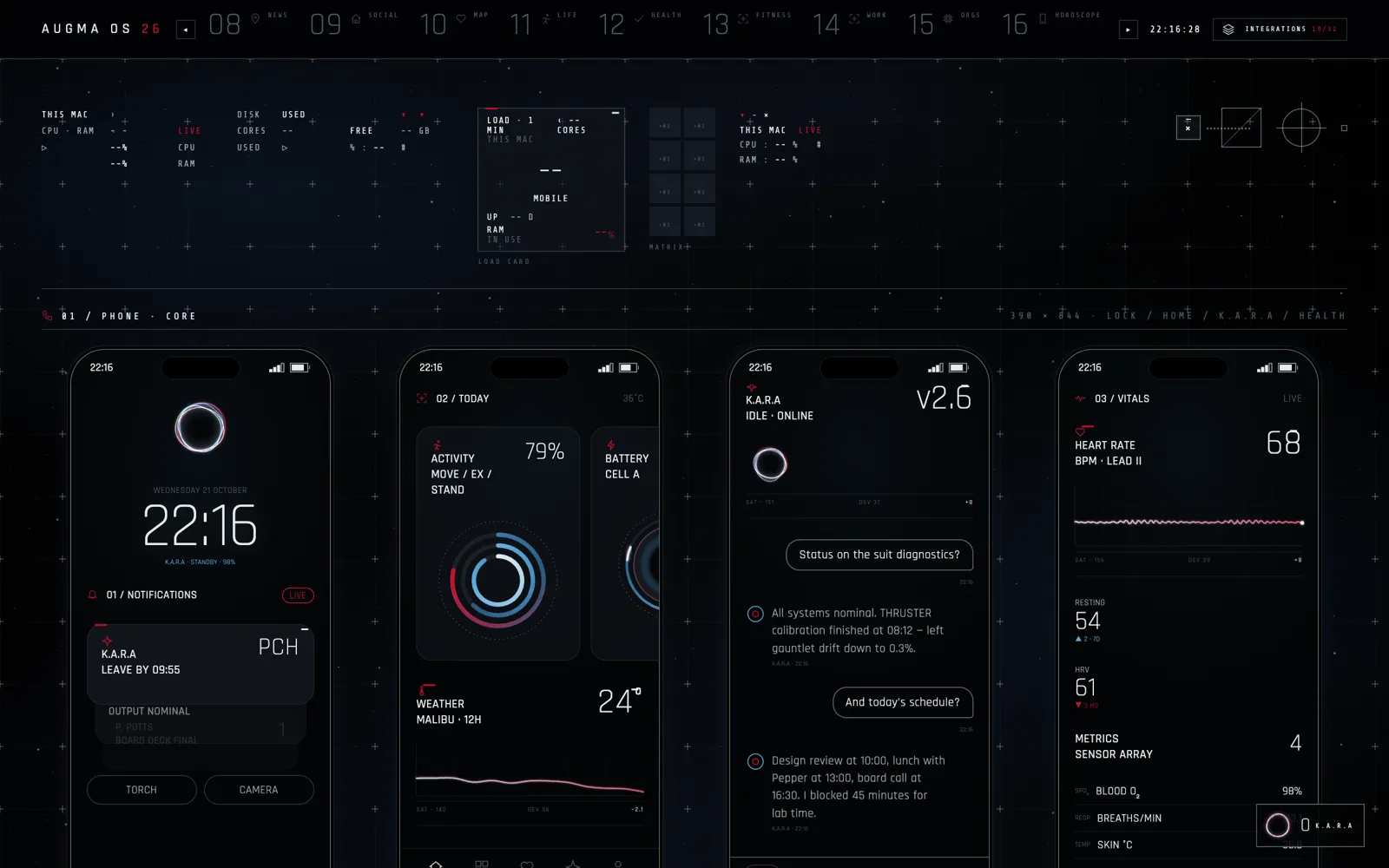
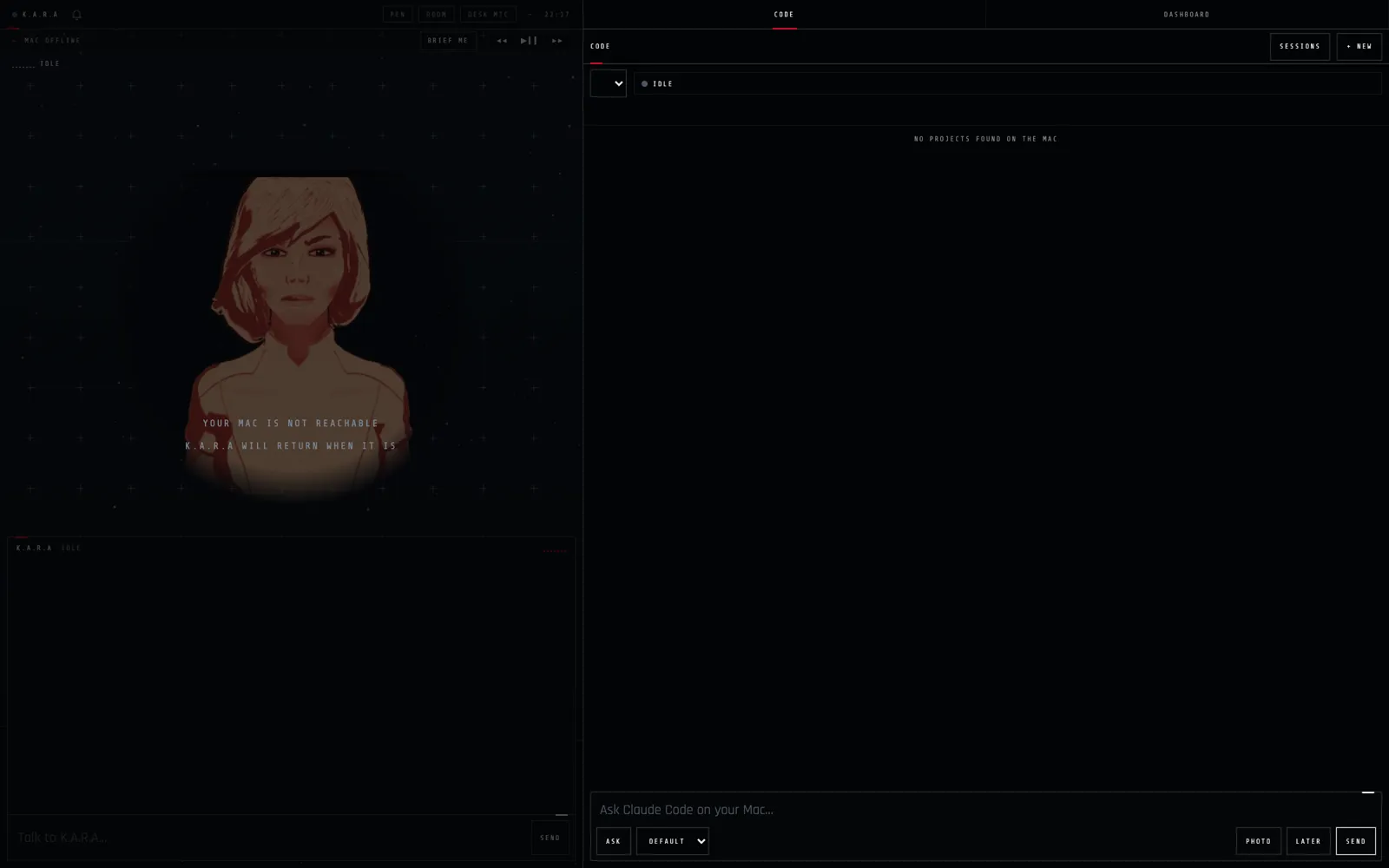
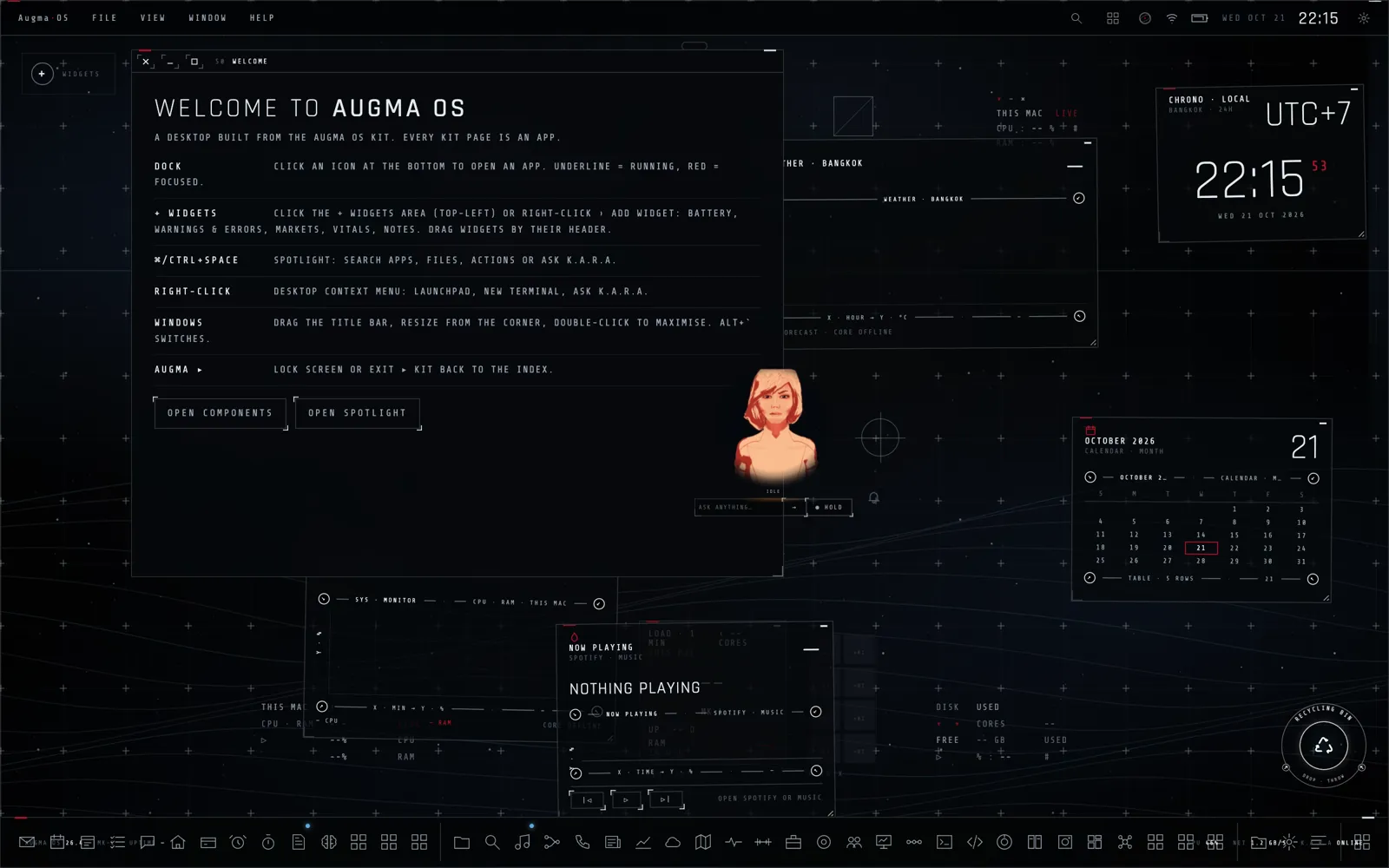
Our own operating layer for the Mac, Android phone and watch, with more than thirty apps inside: a launcher with spotlight and widgets, a morning summary, fitness and health vitals, a Bangkok map, mail, calendar, notes, music, files, news and a services monitor. K.A.R.A runs through all of it: she reads what is on screen, opens apps, calls their tools and answers by voice, and any app on the machine can plug into her through Kara Link.
GoalOne calm system where an assistant can see and run everything you use, on every screen you own.
The story
- The spark
Our tools lived in dozens of apps that an assistant could not see or touch.
- The idea
One system where every app tells the assistant what it can do, on every screen we own.
- What we built
A launcher, more than thirty apps and K.A.R.A at the centre, on the Mac, phone and watch, and as floating windows around the Holo Table in mixed reality.
What it does
- Launcher and spotlight
A menu bar, a dock, widgets you drag into place and a spotlight that opens apps, searches files or asks K.A.R.A.
- A morning brief
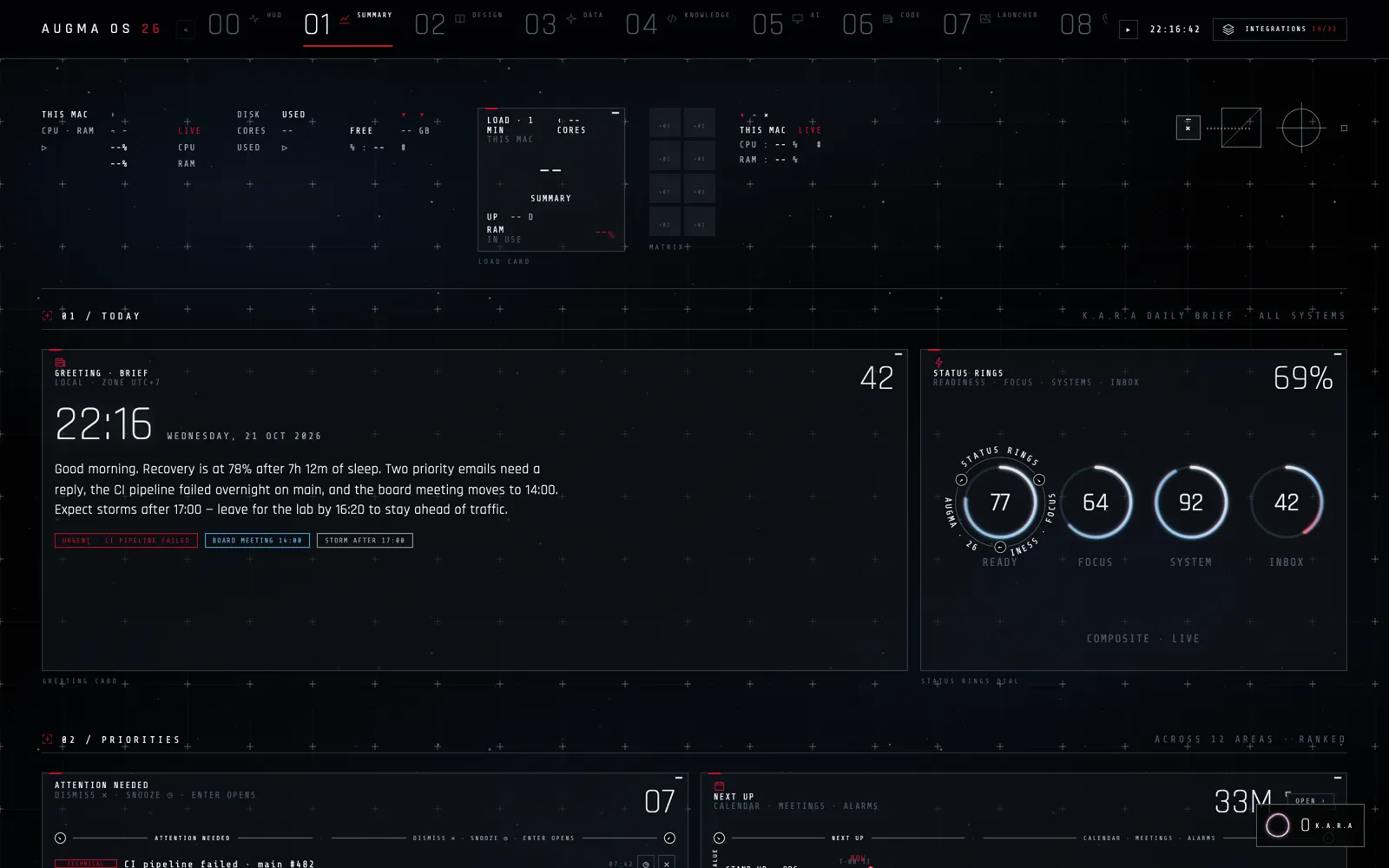
One page with sleep and recovery, priority mail, what failed overnight, the next meeting and the weather, ranked across every area.
- Body and health
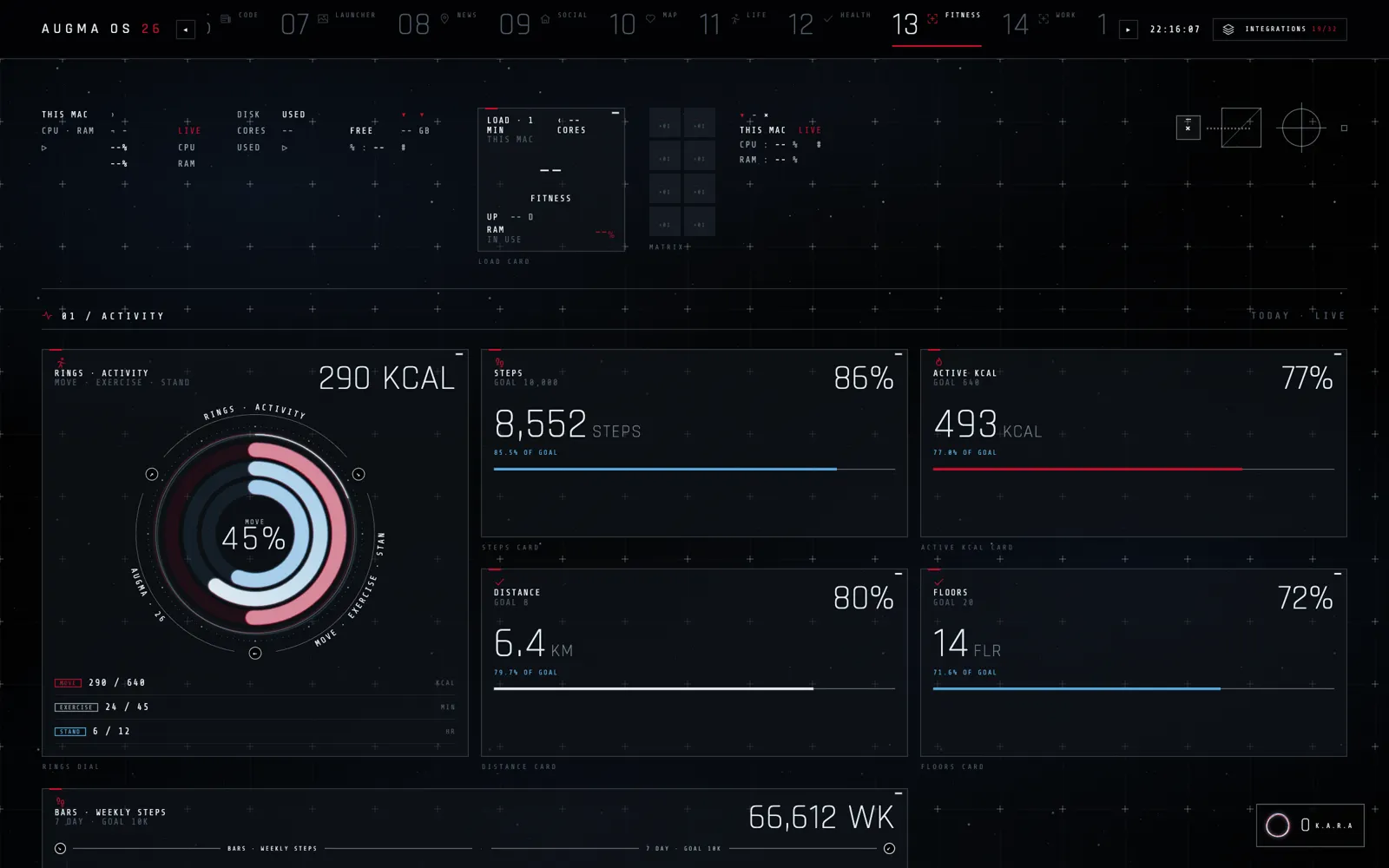
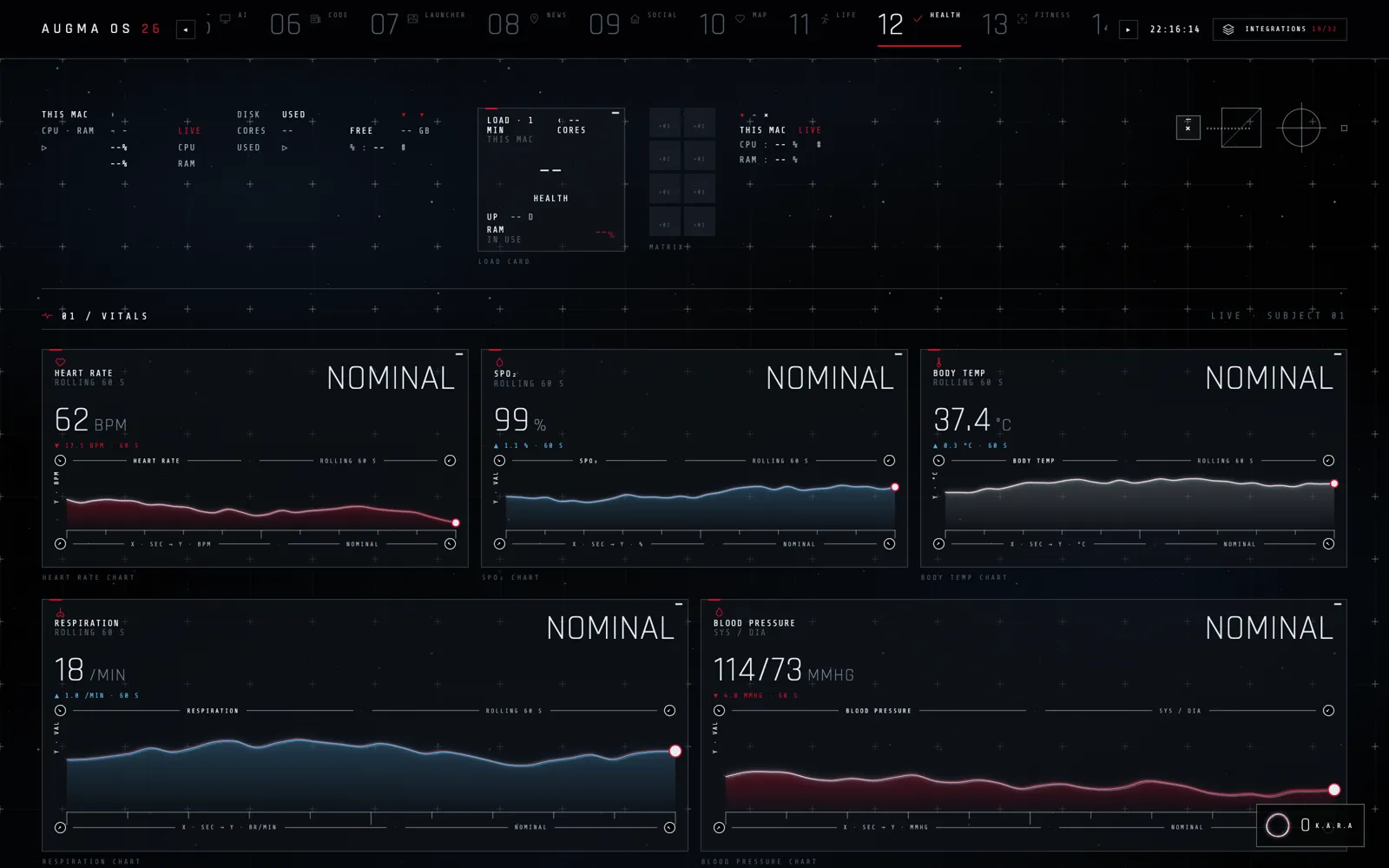
Activity rings, steps and calories, and live vitals such as heart rate, oxygen and temperature, each with its trend.
- Everyday apps
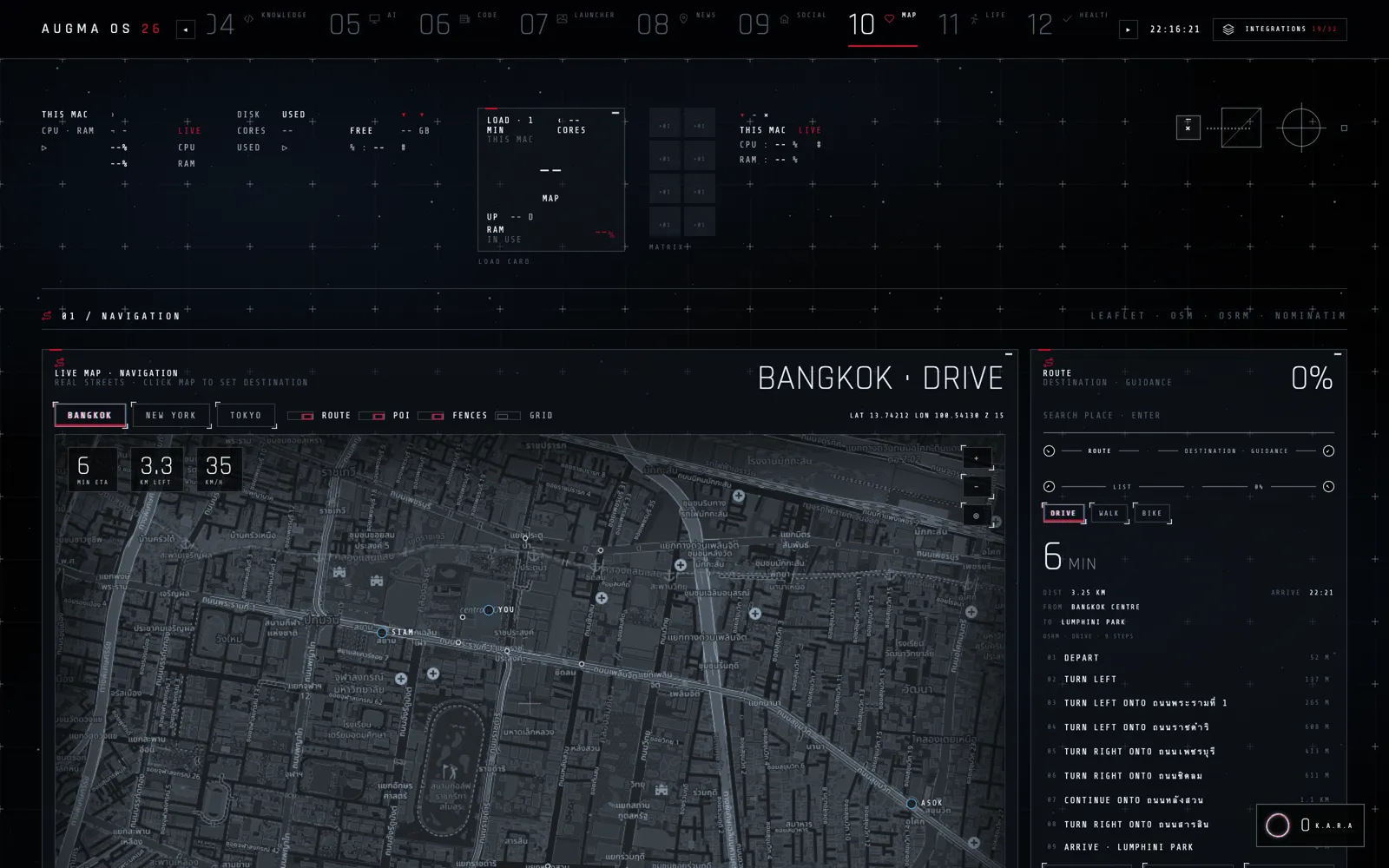
Mail, calendar, notes, files, music, news, a Bangkok map, a services monitor and more, all in the same quiet design.
- K.A.R.A in everything
Every app tells her what it can do through Kara Link, so she can read the screen, open an app, call its tools and answer out loud.
- Mac, phone, watch and XR
The same system on the Mac, an Android phone and watch, and in mixed reality around the Holo Table.
Ways to use it (illustrated)
 XR desktop
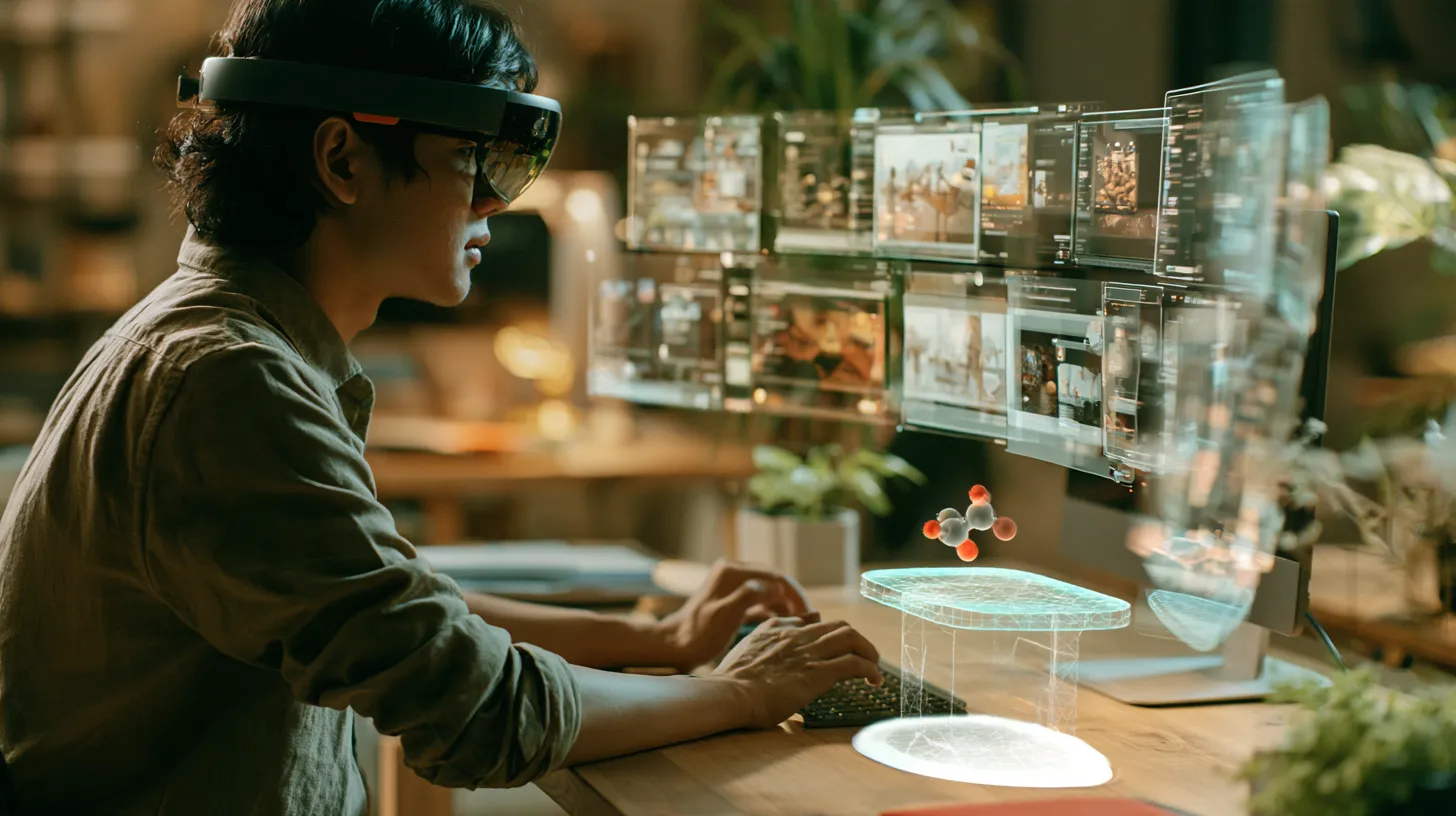
Put on a headset and your apps become windows around your desk: mail, calendar, map and the Holo Table, all within reach.
 Hands-on work
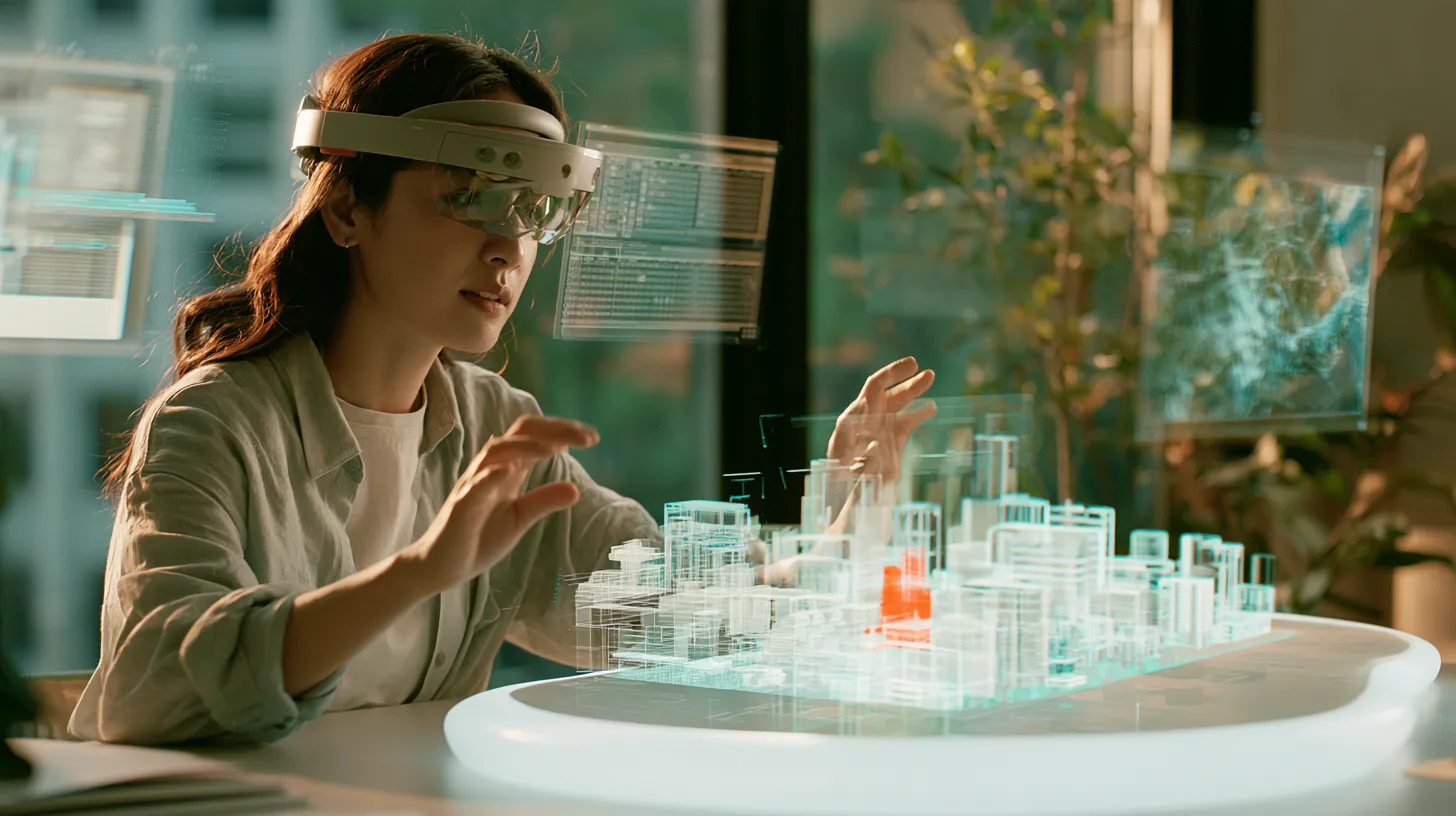
Reach into a model, move it, and keep your charts and notes floating beside it.
Illustrations: generated scenes showing how it is used, not photos of real installations.