Holo Table
Tabletop hologram simulator narrated by K.A.R.A
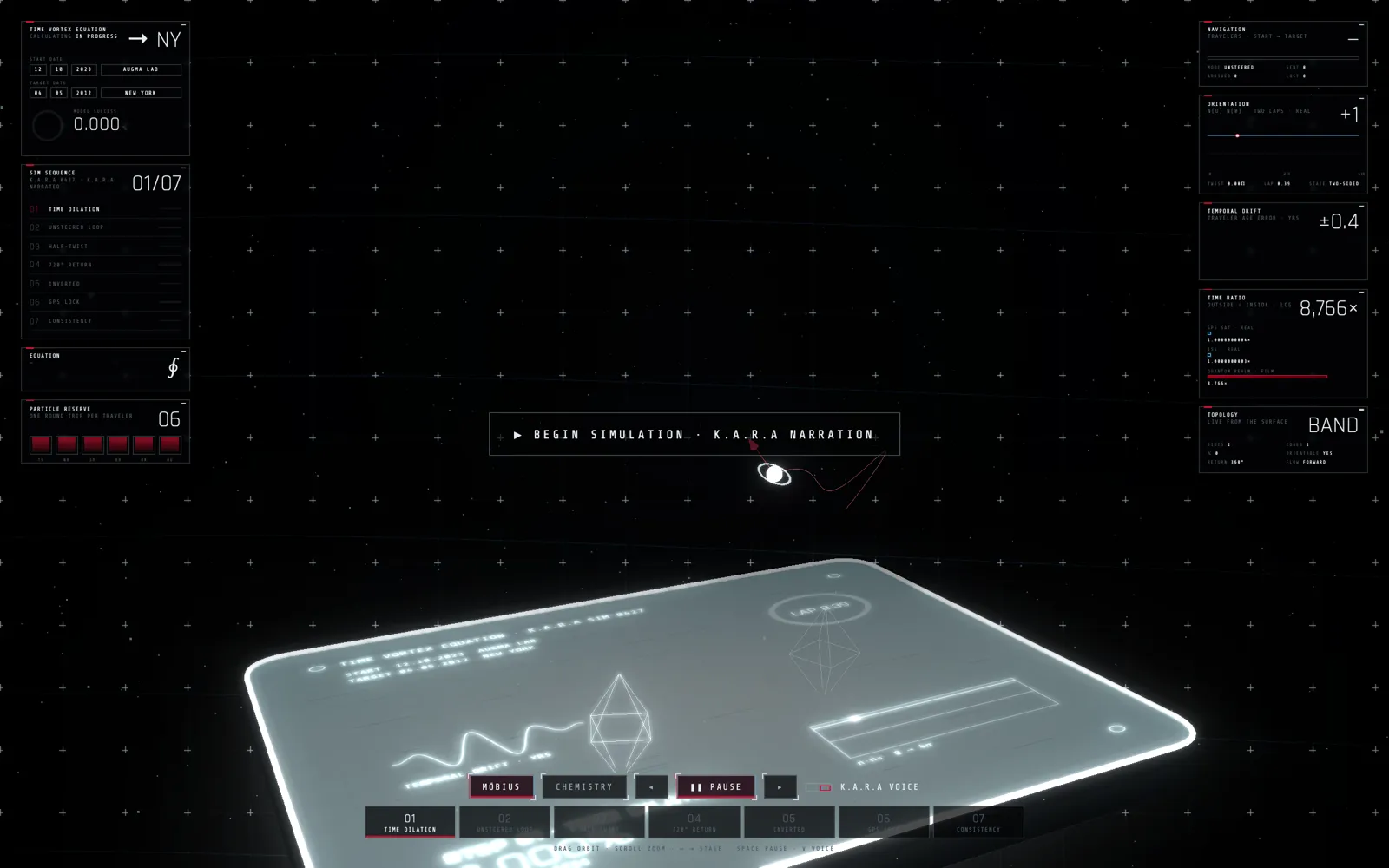
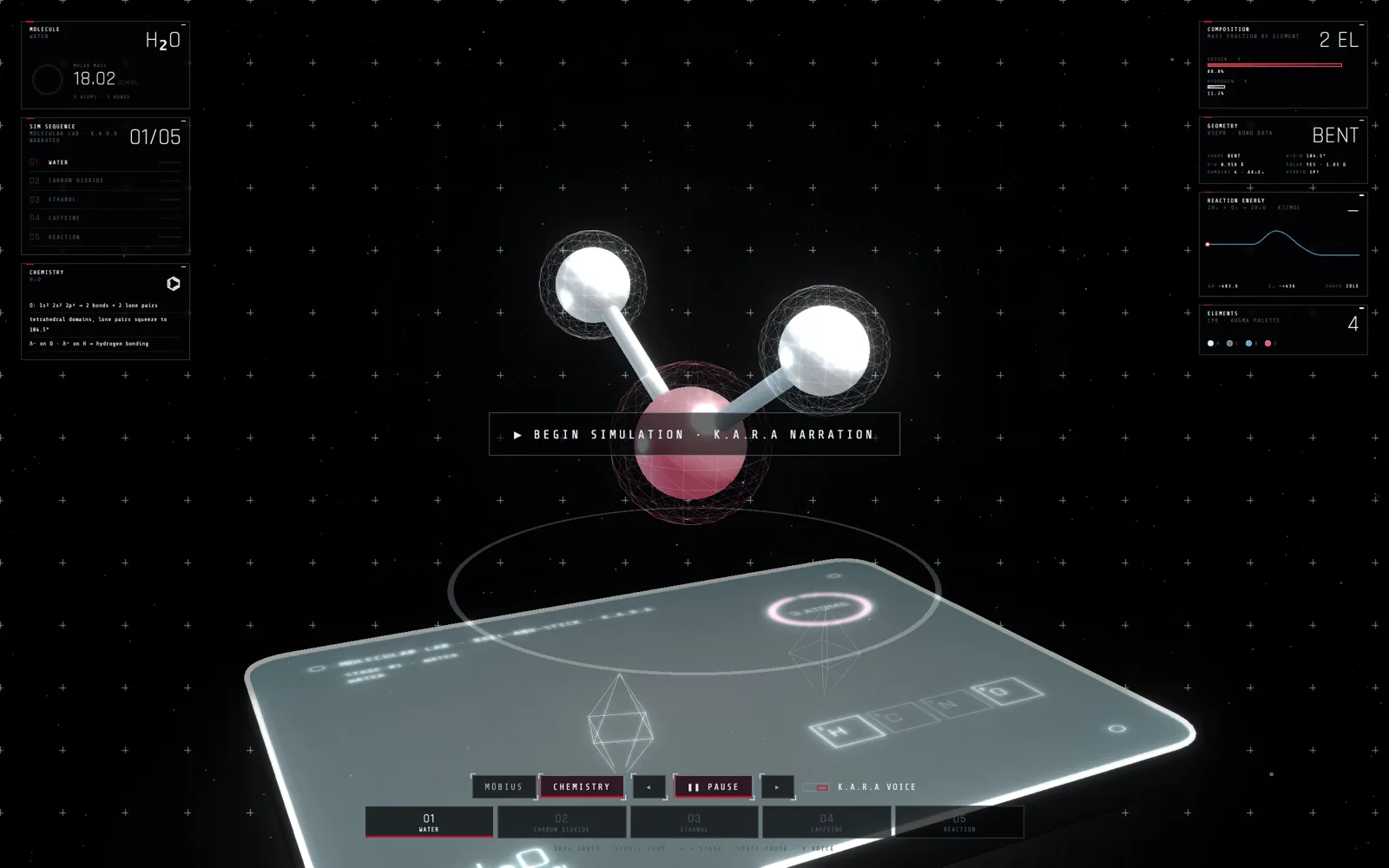
A glowing table that raises 3D simulations above its surface, with instrument panels around them. The chemistry run builds water, carbon dioxide, ethanol and caffeine atom by atom and plays a reaction; the Möbius run walks a particle through seven stages of a looping strip. K.A.R.A narrates each stage and can drive the table by voice. It runs in any browser, and on a Quest it steps into your real room in mixed reality: life size on your desk, moved, spun and resized with your bare hands, with Augma OS apps floating around it as an XR desktop.
GoalTeach hard ideas by letting people walk around them.
The story
- The spark
Molecules, loops and maps are hard to learn from a flat page; you want to walk around them.
- The idea
A table that lifts the idea into the air, and an assistant who explains it while you turn it with your hands.
- What we built
A glowing table in the browser and in mixed reality on Quest: simulations rise above it, panels read out the numbers, K.A.R.A narrates, and your hands grab, spin and resize the whole thing on your real desk.
What it does
- Simulations above the table
A chemistry run builds water, carbon dioxide, ethanol and caffeine atom by atom and plays a reaction with its energy curve; a Möbius run walks a particle through seven stages of a looping strip. Panels around it read out mass, geometry, bonds and progress.
- Narrated by K.A.R.A
She explains each stage out loud, answers questions about what is on the table, and can step, pause or switch runs when you ask.
- Mixed reality on Quest
Put on a Quest and the table appears in your real room through passthrough, at desk height and life size (about 85 cm across). It scans for your real desk and snaps onto it.
- Your hands are the controller
Make a fist to grab and move it, grab with both hands to turn it like a wheel and let go to spin it, pinch with both hands to resize. Fingertips ripple where they touch, and your hands hide the hologram behind them.
- An XR desktop around it
Augma OS apps open as floating windows around the table, with a dock, a system bar, a holographic keyboard and K.A.R.A's avatar beside you, so the table becomes the centre of a whole workspace.
- Runs in a browser
The same table works on any computer: drag to orbit, scroll to zoom, arrow keys to step, V for voice. No install.
Real screens
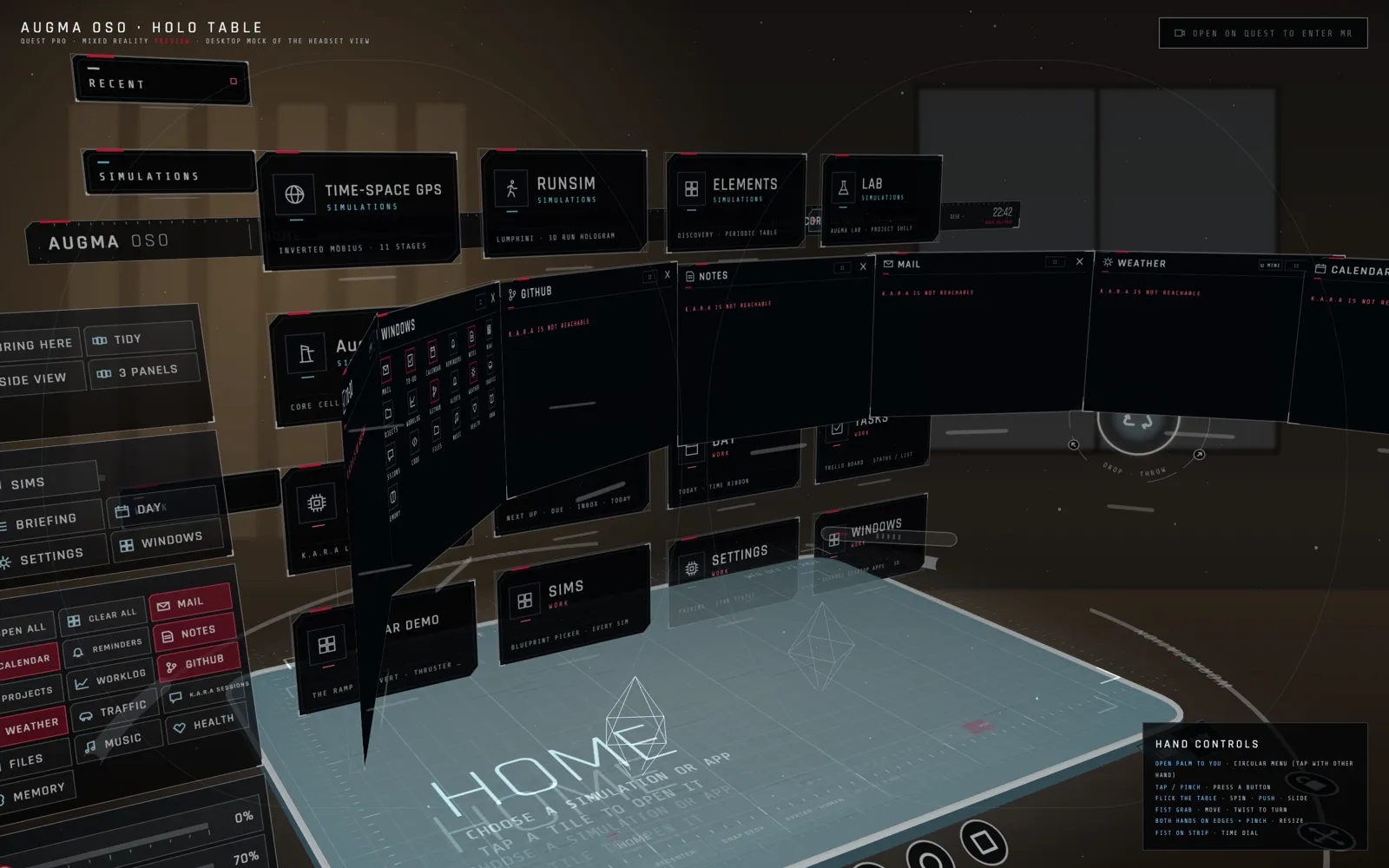 XR desktop: home
The mixed-reality build, previewed on a desktop: app windows and the simulation library arc around the table in a room, with the hand-controls card at the bottom right.
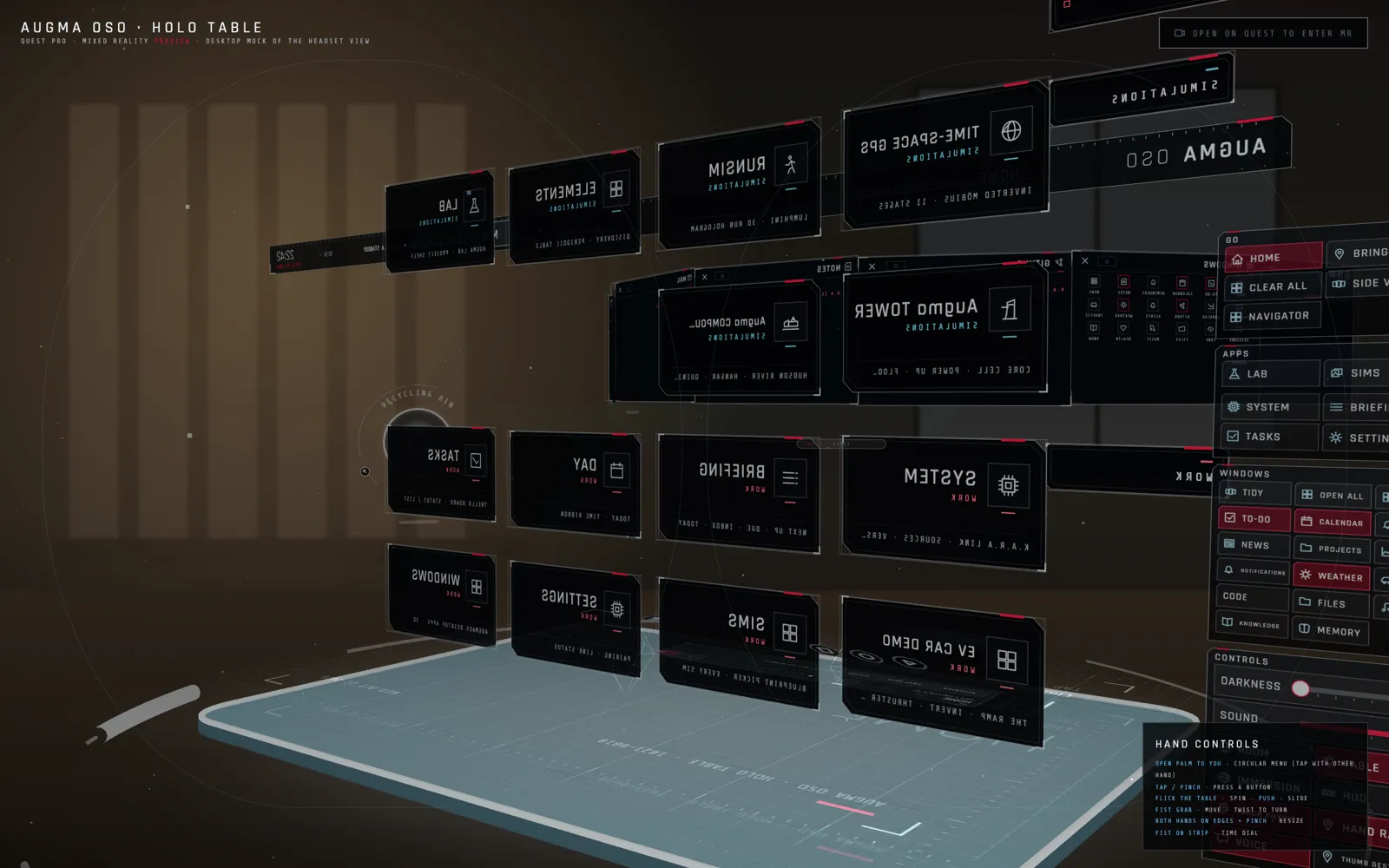 XR desktop: turned around
Drag to walk around it: the same panels from behind, with the system menu and controls docked on the right.
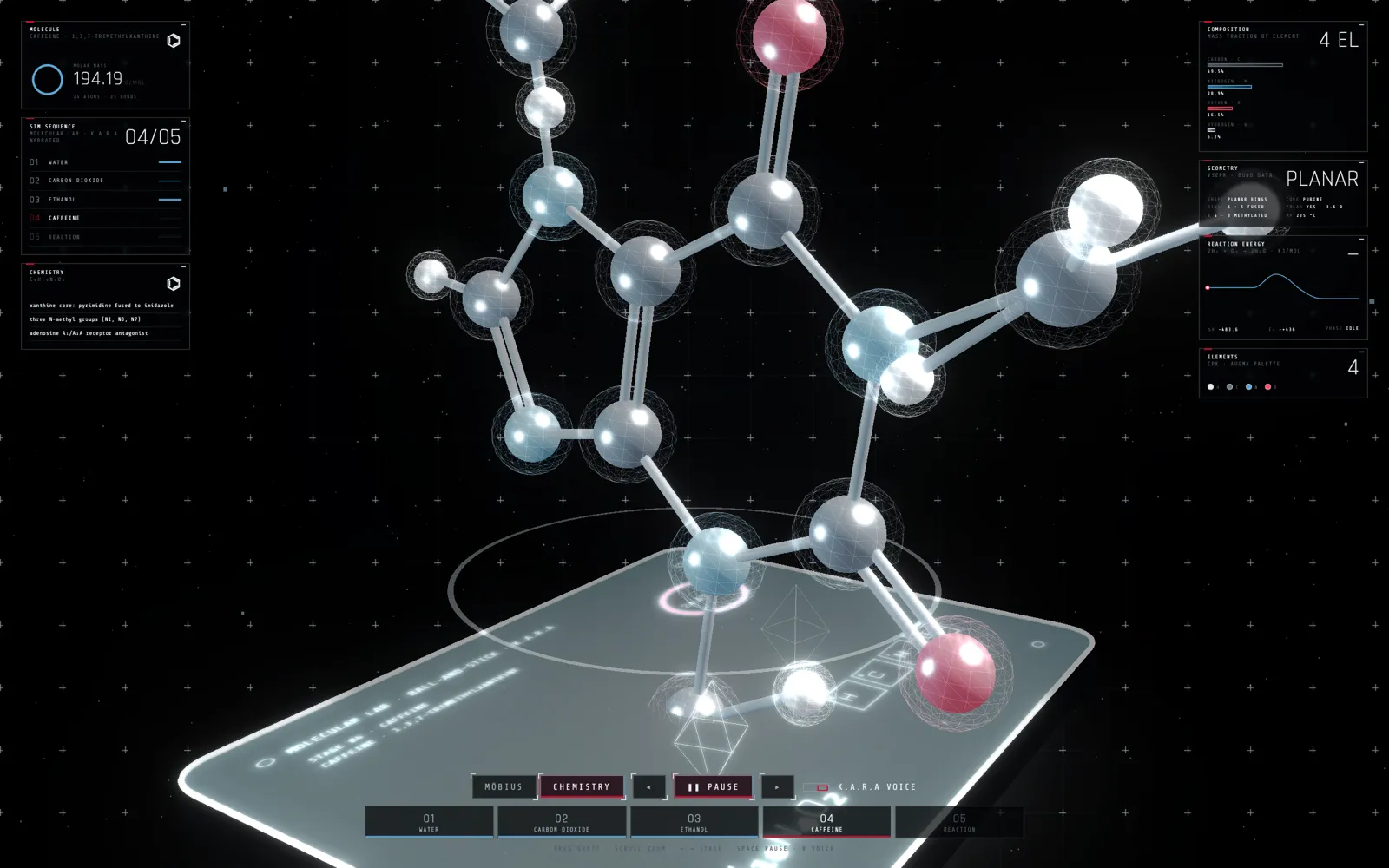 Chemistry: caffeine
Stage 4 of 5. Caffeine built atom by atom over the table; the panels show its molar mass and the elements it is made of.
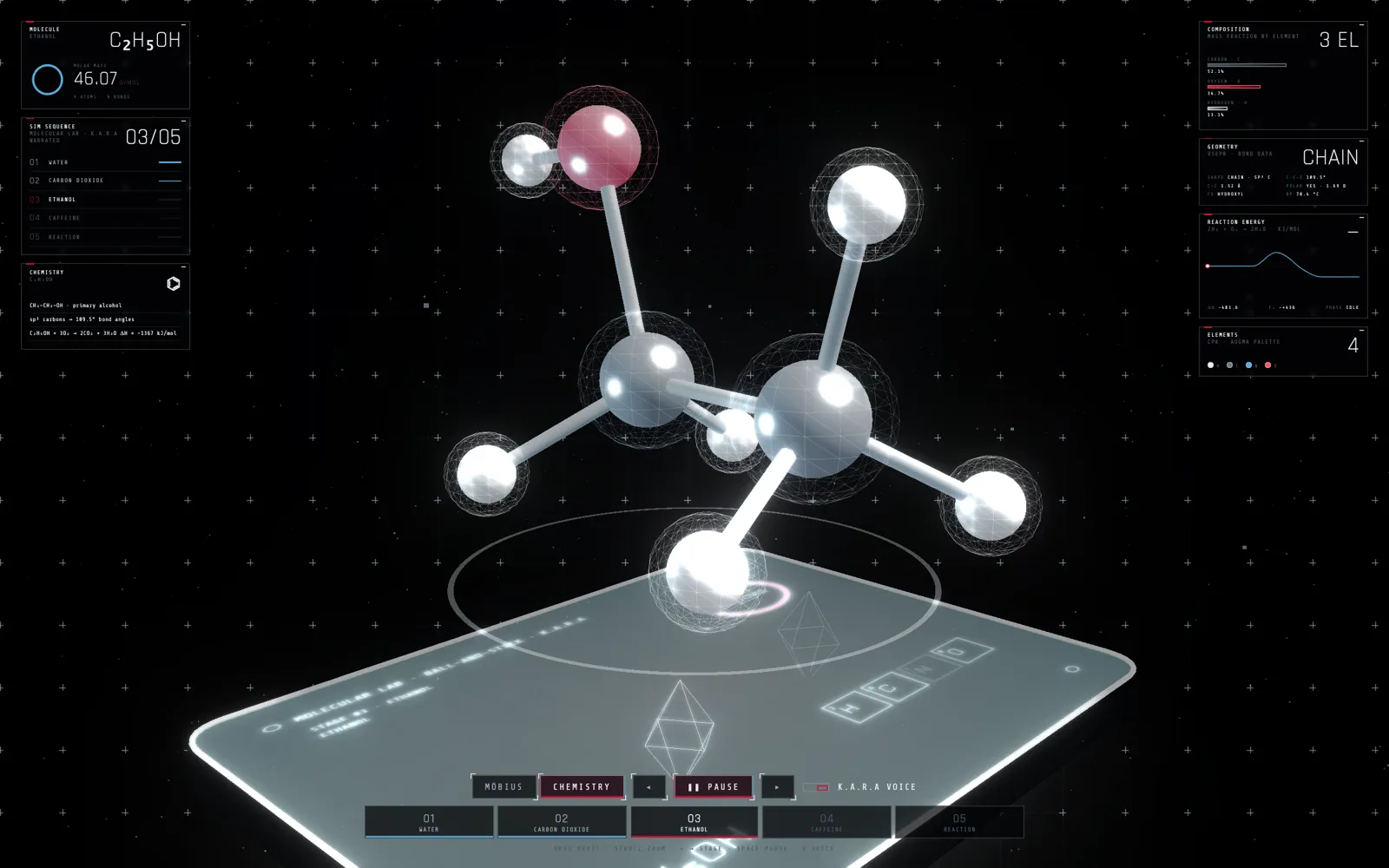 Chemistry: ethanol
Stage 3. The geometry panel reads CHAIN; three elements, mass 46.07.
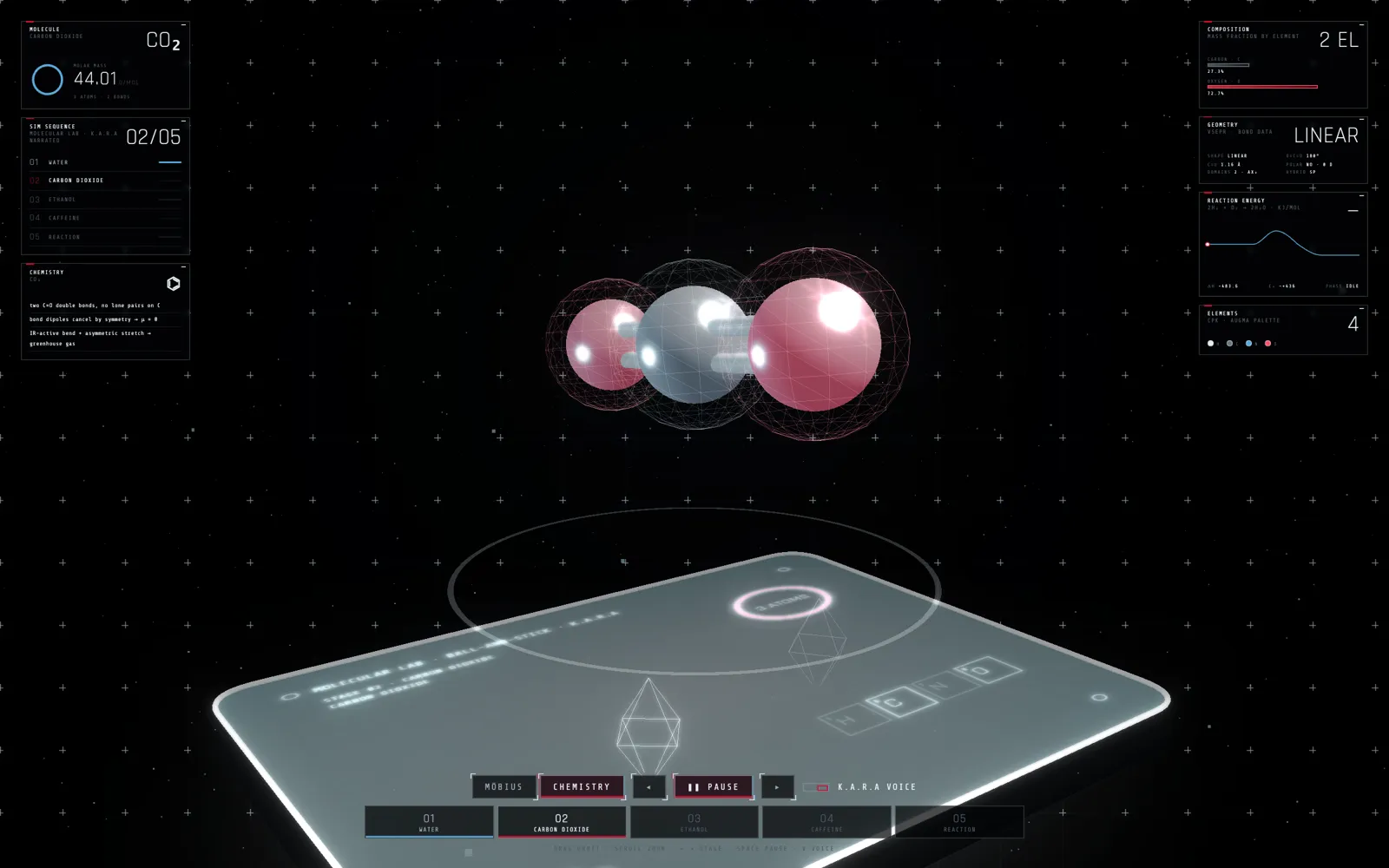 Chemistry: carbon dioxide
Stage 2. A linear molecule; the panels switch to LINEAR and 44.01.
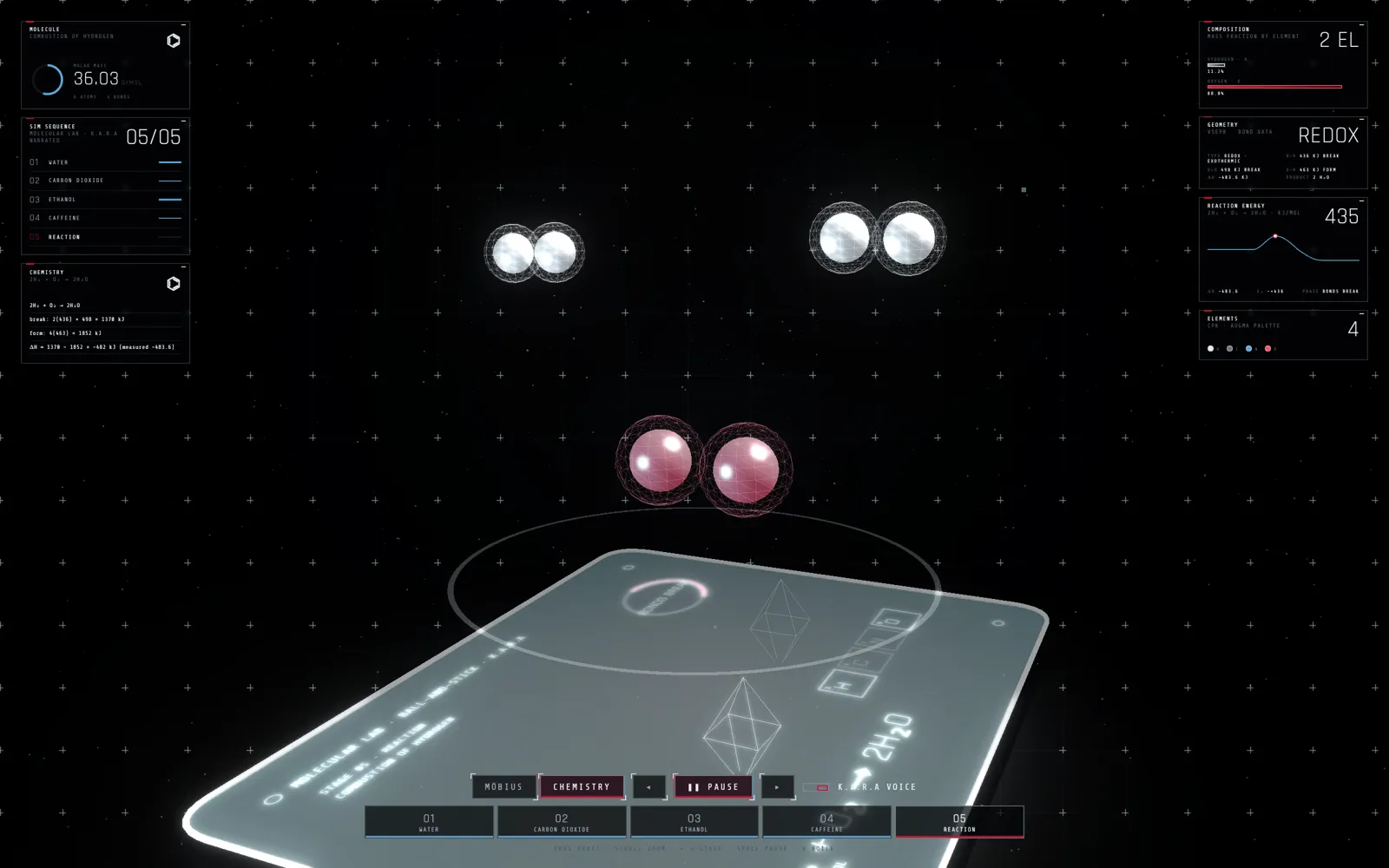 Chemistry: a reaction
Stage 5. Hydrogen and oxygen come together, with the reaction energy curve on the right.
Captured from the running build.
Ways to use it (illustrated)
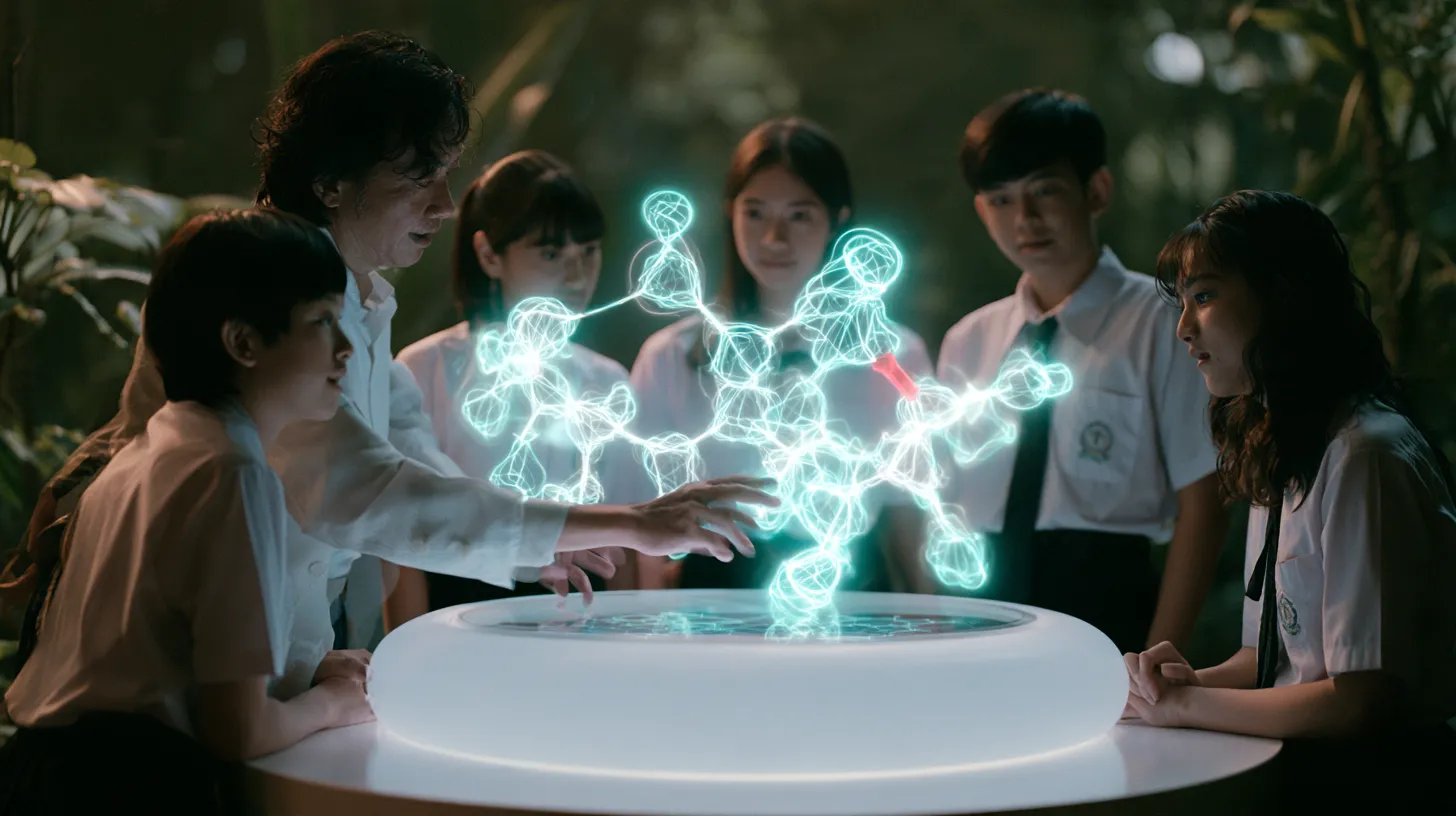 Classrooms
A class stands around one table and pulls a molecule apart together, while K.A.R.A explains each bond.
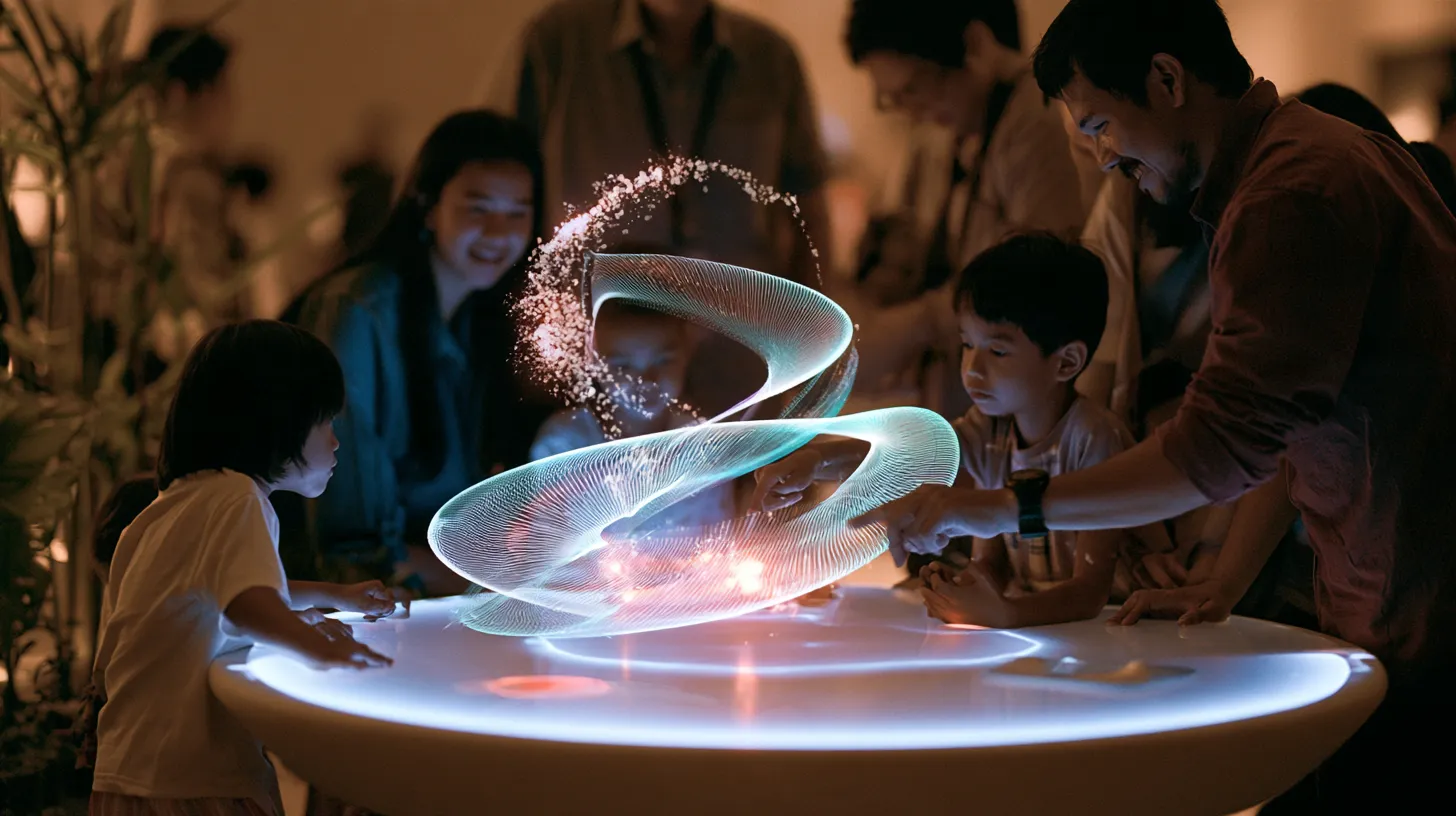 Museums and exhibitions
Visitors walk around a hard idea, like a looping strip with particles running through it, instead of reading a panel about it.
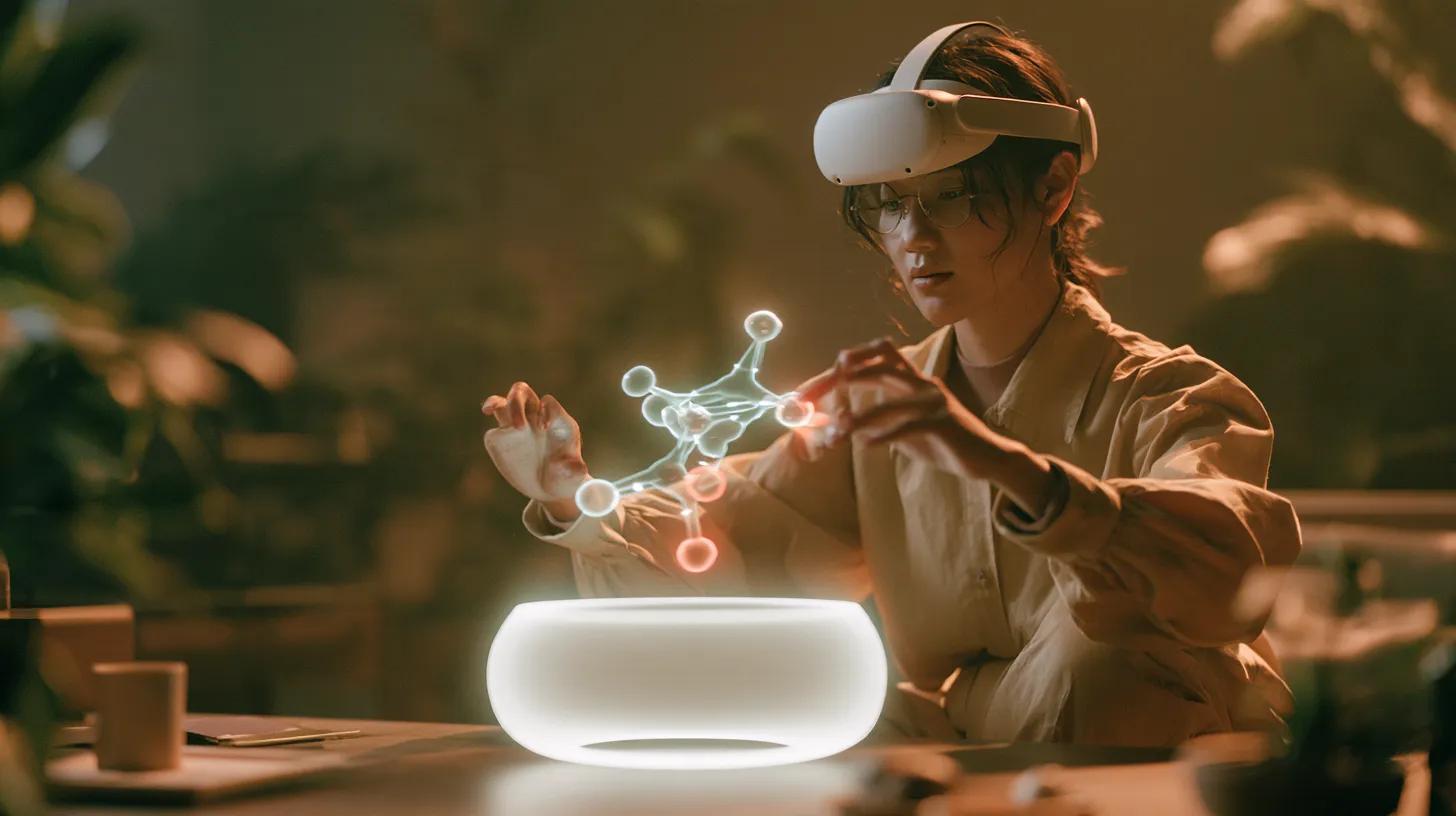 At home, in a headset
On a Quest the table sits on your own desk through passthrough; pinch, grab and spin the hologram with your bare hands.
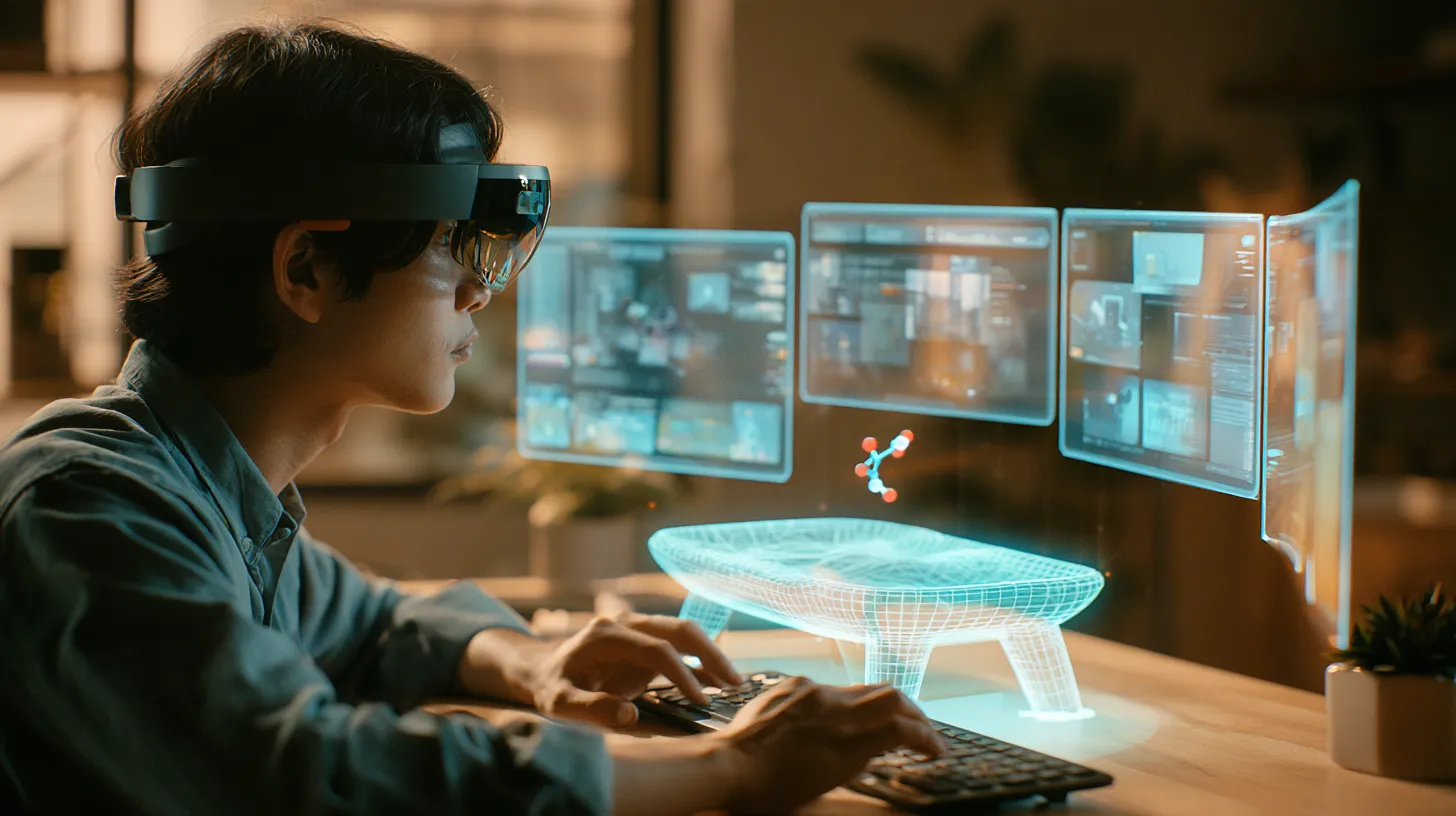 XR desktop
Augma OS windows float in an arc around your real desk, with the Holo Table beside the keyboard and K.A.R.A one word away.
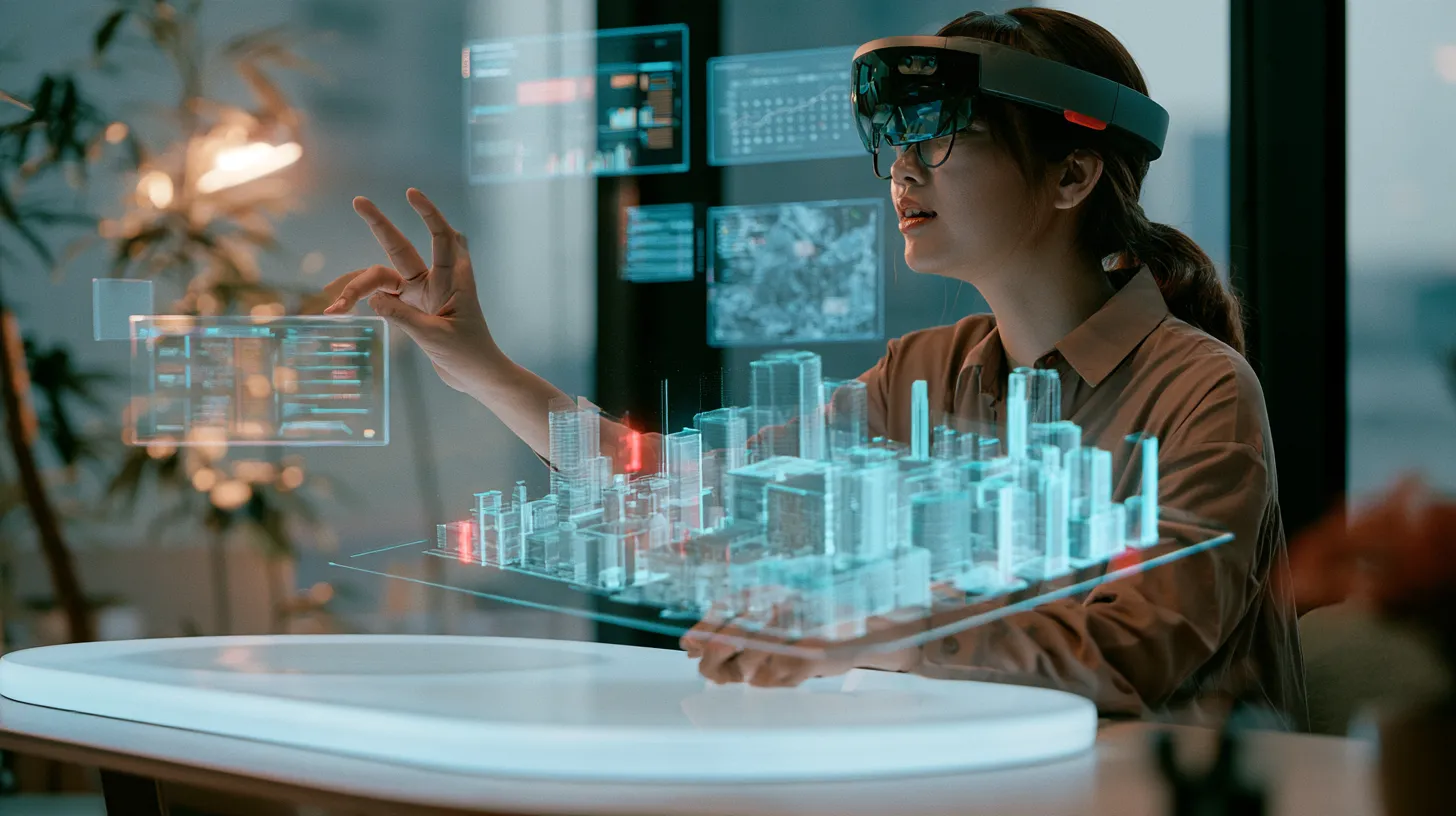 Planning and design work
Lift a city block, a site or a product onto the table, with charts, a calendar and a map floating around it as you work.
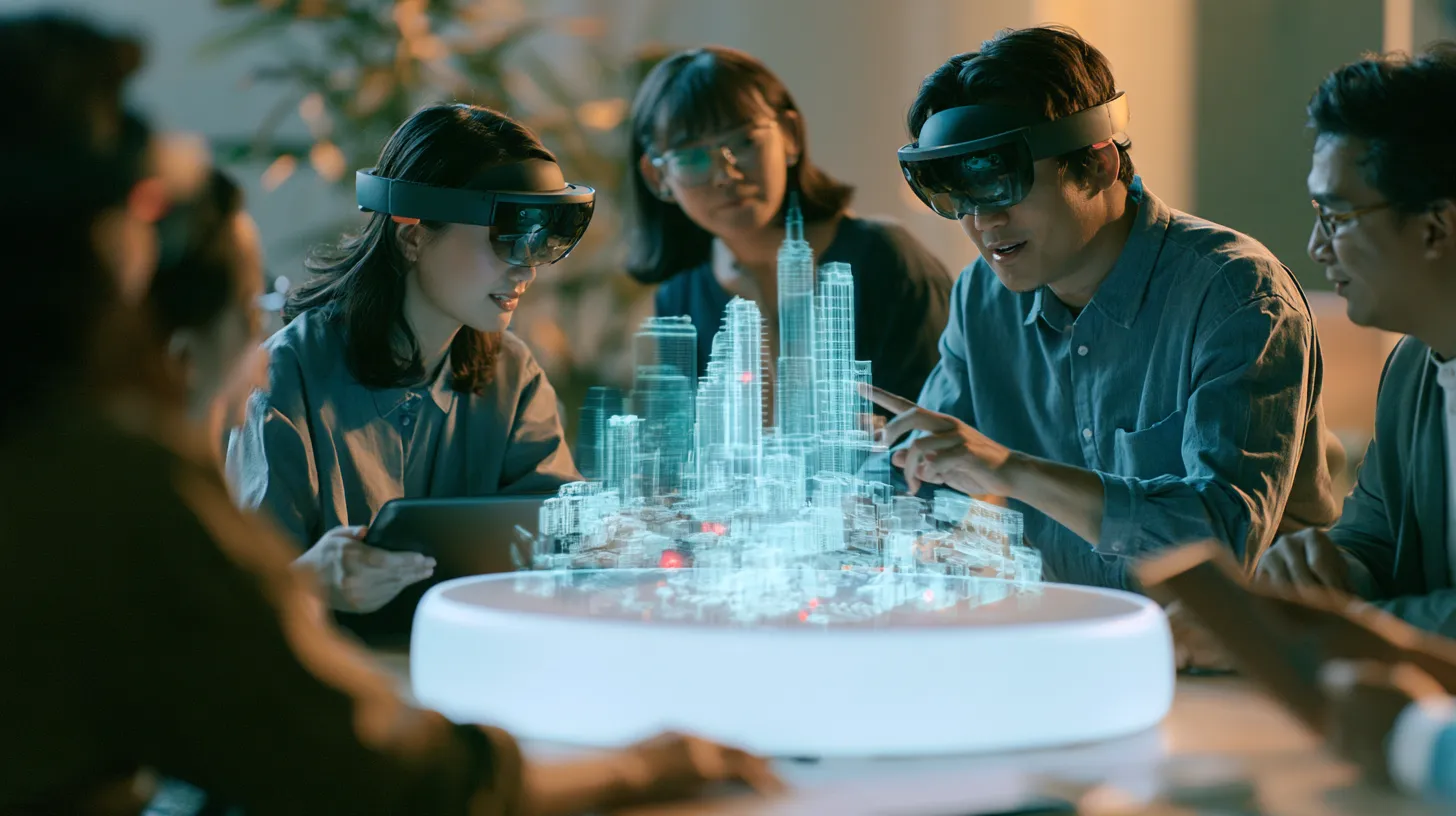 Team reviews
A team gathers around one shared model: some in headsets, others following on a tablet or a screen.
Illustrations: generated scenes showing how it is used, not photos of real installations.